

Paper receipts in envelopes, expenses buried in email threads, and a monthly spreadsheet nobody enjoys building — that is how most small companies handle spending before they adopt expense report software for small business use. Dedicated tools replace that process with phone-based receipt capture, automatic categorization, simple approvals, and fast reimbursement, all synced to your accounting system. This guide explains how the software works, which features matter, how the leading options compare, and how to roll a tool out without frustrating your team.
How Expense Report Software Works
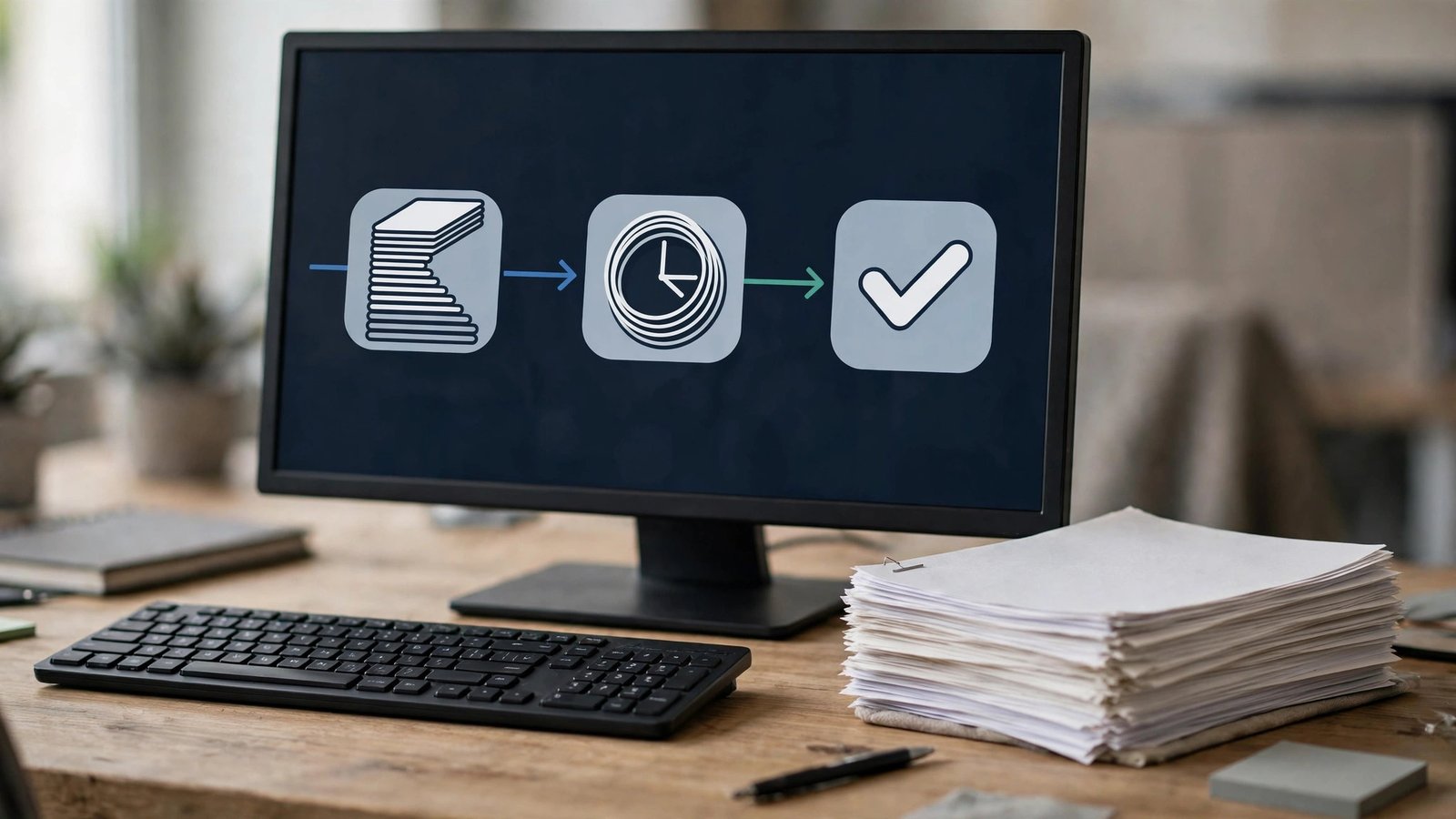
The workflow is deliberately simple for employees. Someone buys something for the business, snaps a photo of the receipt in a mobile app, and optical character recognition (OCR) reads the vendor, date, and amount automatically. The expense lands in a draft report, the employee adds a category or project, and submits it with one tap.
On the back end, managers approve from an email or the app, and policy rules flag problems automatically — an over-limit meal, a missing receipt, a duplicate claim. Approved expenses flow into your accounting platform as categorized transactions, and reimbursement can go out with the next pay run. Because the whole trail is digital, the categories and vendors in review marketplaces like the G2 expense management category give a useful snapshot of how vendors differ on exactly these workflow steps.

Features That Matter Most
- Receipt scanning with OCR: Accurate extraction of merchant, date, and total, ideally from photos, email forwards, and card feeds alike.
- Automatic card matching: Expenses matched to corporate or personal card transactions so nothing is claimed twice.
- Policy rules and approvals: Spending limits, required receipts over a threshold, and multi-step approvals for larger amounts.
- Mileage tracking: GPS-based trip logging that applies the current IRS mileage rate automatically.
- Accounting integrations: Two-way sync with QuickBooks, Xero, and similar platforms so approved expenses post without retyping.
- Fast reimbursement: Direct-deposit repayment, ideally within a day or two of approval.
Many small businesses evaluate expense tools alongside their billing stack, since both touch the same finance workflow; a good invoice management system and a good expense tool together remove most manual data entry from accounts payable and receivable.
Leading Options Compared
Expensify is the best-known name in this category, built around its SmartScan receipt capture: photograph or forward a receipt and the platform extracts the details and matches them to card charges. It is quick to set up and easy for employees, which is why small teams like it; deeper custom rules and multi-tier approval chains sit on its higher plan, and per-member pricing adds up as headcount grows. Zoho Expense is the budget-friendly automation pick, with a free plan for very small teams, multilingual receipt scanning, per diem handling, and tight integration with Zoho Books; its enterprise customization depth is more limited than the enterprise suites.
SAP Concur sits at the opposite end: powerful policy enforcement, travel integration, and multi-currency support for larger organizations, but with enterprise pricing and an implementation effort that is usually overkill for a small business. QuickBooks users should also look at expense capture built into or connected with cloud based accounting software for small business platforms, since a built-in module can be cheaper than a separate subscription. Smaller teams sometimes pair expense tracking with their free payroll software for small business so reimbursements ride along with regular pay runs.
Expense Policies: The Rules the Software Will Enforce
Expense software enforces policy automatically, so the policy itself deserves an hour of thought before you configure anything. A workable small-business policy answers six questions. What can employees buy without asking first, and up to what amount? Which categories always need pre-approval — travel and equipment are the usual ones? At what amount is a receipt mandatory, and what counts as proof for card purchases? What are the per diem or per-person limits for meals and lodging? How quickly must expenses be submitted — thirty days is a common standard — and what happens to late claims? And who approves whose spending, including the owner’s?
Write the answers in plain language, because the software will translate them into rules: auto-approve small in-policy claims, flag anything over a category limit, require a receipt image above your threshold, and route exceptions to a named approver. Clear rules protect everyone. Employees stop guessing what is allowed, managers stop adjudicating gray areas inconsistently, and finance gets an audit trail that shows the policy was applied the same way to every claim. Review the rules once a year, or whenever a flagged-expense pattern shows the policy and reality have drifted apart.
Corporate Cards and Spend Controls
Many expense platforms now issue their own corporate cards or integrate tightly with yours, and for growing teams that changes the workflow for the better. When an employee pays with a connected card, the transaction appears in the system immediately, the app prompts for a receipt photo while the purchase is fresh, and the match between card charge and receipt happens automatically. Managers see spending as it occurs rather than at month end, and finance can set per-card limits, restrict merchant categories, or freeze a card instantly from the dashboard.
The trade-off to weigh is control versus trust. Card programs with tight limits suit field teams and junior staff well, while senior employees may find aggressive controls friction without benefit. A sensible pattern is modest default limits, higher limits by role, and alerts — not blocks — for unusual purchases, so the system catches genuine problems without treating every employee like a suspect. Even without issued cards, connecting employees’ existing cards for feed matching delivers most of the reconciliation benefit.

What It Typically Costs
Pricing is usually per user per month. Small-business-oriented tools commonly start in the low single digits per user per month on annual billing, with more advanced plans — custom approval chains, corporate cards, advanced policy controls — moving into the mid-to-high teens per user. Enterprise platforms like SAP Concur are quote-based and priced very differently.
Free tiers exist but come with limits: Zoho Expense’s free plan covers only a handful of users, and Expensify’s free workspace omits accounting integrations. Budget honestly for the paid tier you will actually need, and remember that the real return is time: if the software saves each employee even half an hour a month, it usually pays for itself.
Mistakes to Avoid When Rolling Out Expense Software
The biggest rollout mistake is digitizing a broken policy. If your spending rules are vague — what needs a receipt, what the meal limit is, who approves what — write them down before you configure the software, because the tool will enforce whatever you give it. A second mistake is ignoring the employee experience: if submitting an expense takes longer than the old spreadsheet, people will hoard receipts and submit quarterly, defeating the purpose.
Owners also frequently forget the accounting sync. Test the integration with your actual chart of accounts during the trial, including tax categories, before the first real month closes. Finally, avoid approving everything manually forever; set sensible auto-approval thresholds for small, in-policy expenses so managers only review exceptions.

Frequently Asked Questions
Is expense report software worth it for a team of five?
Usually yes, if employees spend money regularly. The subscription cost for a small team is modest, and the time saved on receipt chasing, manual spreadsheets, and reimbursement questions is real. Teams where only the owner spends may get by with receipt capture built into their accounting app instead.
Does expense software replace my accounting system?
No. Expense tools handle capture, approval, and reimbursement, then sync approved data into your accounting platform, which remains the book of record. The integration is the point: pick a tool that connects cleanly to the accounting software you already use.
How does receipt scanning actually work?
You photograph or forward a receipt, and OCR technology extracts the merchant name, date, amount, and currency. Better tools then match the expense to a card transaction and suggest a category based on the vendor, so most expenses need only a quick review before submission.
Can employees be reimbursed automatically?
Yes. Most platforms support direct-deposit reimbursement once a report is approved, and some complete payment the next business day. Others batch reimbursements into payroll. Either way, the payment is documented and tied to the approved report.
What records do I need to keep for taxes?
The IRS requires documentation showing the amount, date, place, and business purpose of an expense, and receipts are generally required for expenses of $75 or more. Digital copies stored by expense software are accepted, which is one reason businesses move away from paper.
Can expense software handle mileage and travel, or just receipts?
Both, on most platforms. Mileage tools use your phone’s location or simple start-and-end entries to calculate standard-rate reimbursements with the trip record as proof. Travel features add per diem rates for meals and lodging, and on higher tiers, booked trips flow into the expense system so airfare and hotel charges arrive pre-matched. If your team travels or drives for work regularly, make these features a selection criterion rather than an afterthought — tracking them in separate spreadsheets recreates exactly the fragmentation the software exists to remove.
How fast should employees expect reimbursement?
That depends on your approval flow, not the software. Teams that approve promptly and pay through in-system ACH commonly reimburse within a few days of approval; teams that batch reimbursements into a monthly payroll cycle wait weeks. Faster reimbursement is a genuine employee-satisfaction lever and costs nothing once the workflow is automated, which is why many small businesses deliberately move to weekly cycles when they adopt these tools.
Conclusion
Expense report software removes one of the most annoying recurring chores in a small business: chasing receipts and building reports by hand. Choose a tool with accurate receipt scanning, sane policy controls, and a clean integration with your accounting platform, then write a short, clear expense policy before launch. Do that, and month-end stops being a scavenger hunt — for your team and for your bookkeeper alike.

