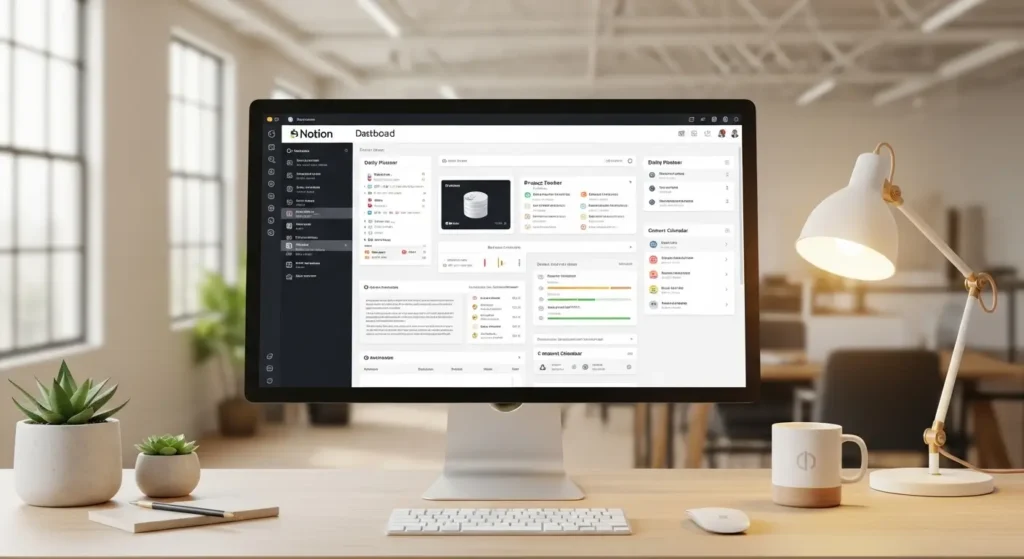
Staying organized in today’s fast world is not easy. Many people use different apps for notes, tasks, and planning, which often creates confusion instead of clarity. This is where Notion becomes a powerful solution.
Notion is an all-in-one workspace where you can write, plan, organize, and collaborate. Instead of using multiple tools, you can manage everything in one place. From personal notes to full business workflows, Notion helps you stay focused and productive.
What is Notion and Why It Is So Popular
At its core, Notion is a flexible productivity tool that combines notes, tasks, databases, and collaboration features into one platform. It allows you to create a system that fits your needs instead of forcing you into a fixed structure.
The reason behind its popularity is simple. Notion gives you full control. You can build your workspace the way you want, whether it is a simple to-do list or a complete business dashboard.
Another reason is its clean and easy interface. Even though it is powerful, it does not feel complicated once you understand the basics. This balance between simplicity and flexibility makes Notion popular among students, professionals, and companies around the world.
Key Features of Notion Explained
Pages and Blocks System
Everything in Notion works using blocks. A block can be text, an image, a heading, a checklist, or anything else. You can move these blocks anywhere, which gives you full freedom to design your content.
Pages act like containers where you organize your information. You can create pages inside pages, making it easy to structure your content clearly.
Databases and Tables
Databases are one of the most powerful features in Notion. They allow you to store and manage information in a structured way.
You can create tables for tasks, projects, or contacts. Each entry can include details like status, deadlines, and tags. This helps you track everything without confusion.
Templates and Custom Layouts
Notion provides ready-made templates that save time. You can also create your own templates based on your workflow.
This means you do not have to start from zero every time. You can reuse your system and stay consistent.

Collaboration and Team Features
Notion is not just for individuals. Teams can use it to work together in real time.
You can share pages, leave comments, assign tasks, and track progress. This makes communication smoother and reduces the need for long email chains.
Integration and Automation
Notion can connect with other tools to improve your workflow. You can also use automation tools to reduce manual work.
This allows you to build a system where information flows smoothly between different platforms.
How Notion Works in Real Life
Understanding features is useful, but real value comes from how you use them daily.
Imagine managing your daily tasks, notes, and goals in one place. Instead of switching between apps, everything is connected. You can track your work, plan your week, and store ideas without losing focus.
For teams, Notion acts as a central hub. Everyone can access the same information, which reduces confusion and improves teamwork.
A student can manage study notes and assignments. A freelancer can track clients and projects. A company can manage internal documents and workflows. This flexibility makes Notion suitable for almost every type of user.
Step-by-Step Guide to Using Notion
Create Your First Workspace
After signing up, you will get a workspace. This is where all your pages and data will live. Start simple and do not try to build everything at once.
Organize Pages and Sections
Create main pages for different areas of your life or work, such as tasks, notes, projects, and goals. Inside these pages, add subpages to keep things organized.
Build Your First Database
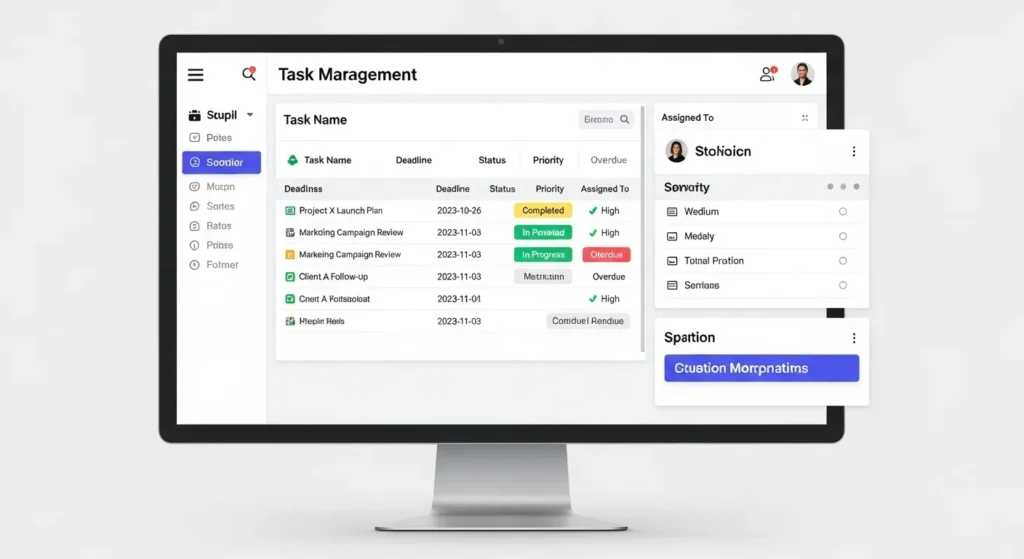
Create a table to manage tasks or projects. Add columns like status, deadline, and priority. This will help you track your work clearly.
Use Templates to Save Time
Instead of creating pages from scratch, use templates. You can find many templates for productivity, planning, and business use.
Customize for Your Needs
As you use Notion, adjust your system. Remove what you do not need and improve what works best for you. The goal is to create a system that feels natural and easy to use.
Best Notion Use Cases for Different Users
Students
Students can use Notion to organize notes, track assignments, and plan study schedules.
Freelancers
Freelancers can manage clients, projects, invoices, and deadlines in one place.
Businesses and Teams
Companies can use Notion as an internal knowledge base. It helps teams share information and stay aligned.
Content Creators
Creators can plan content, track ideas, and manage publishing schedules. This flexibility is what makes Notion so powerful across different industries.
Notion Pricing and Plans Explained
Notion offers a free plan that is enough for most individuals. It includes basic features and allows you to explore the platform.
Paid plans offer more storage, advanced collaboration features, and better control for teams. For small users, the free plan is often enough. For businesses, upgrading provides better performance and scalability.
Notion vs Other Productivity Tools
There are many productivity tools available, but Notion stands out because of its flexibility.
Compared to other tools, Notion allows you to combine multiple functions into one system. Instead of using separate apps for notes, tasks, and databases, you can manage everything in one place.
However, some tools may be easier for simple tasks. Notion requires a little time to learn, but once you understand it, the benefits are much greater.
Best Practices to Use Notion Effectively
Start simple and build gradually. Keep your structure clean and organized. Use clear headings and names. Review your system regularly and focus on what actually helps your workflow.
Consistency is more important than complexity. A simple system used daily is better than a complex system you do not use.
Common Mistakes to Avoid in Notion
Trying to build a perfect system from the start can slow you down. Adding too many features without purpose creates confusion. Not organizing pages properly makes it hard to find information. Ignoring updates can reduce efficiency.
Avoiding these mistakes will help you use Notion in a smarter way.
Advanced Tips to Scale Your Notion Workspace
Use linked databases to connect information. Create dashboards for quick access. Build templates for repeated tasks. Use tags and filters to organize data.
These strategies help you manage larger workflows without confusion and make your system more powerful over time.
Frequently Asked Questions
What is Notion used for
Notion is used for note-taking, task management, project tracking, and organizing information in one place.
Is Notion free to use
Yes, Notion offers a free plan that is suitable for individuals and beginners.
Is Notion good for teams?
Yes, teams can use Notion to collaborate, share knowledge, and manage projects easily.
How does Notion improve productivity?
It brings all your work into one place, reducing time spent switching between apps and searching for information.
Can beginners use Notion easily?
Yes, beginners can start with simple pages and learn gradually as they use the tool.
Conclusion
Notion is more than just a productivity tool. It is a complete system that helps you organize your life and work in one place.
Whether you are managing personal tasks or running a business, Notion gives you the flexibility to create a system that works for you.
By starting simple and improving step by step, you can turn Notion into a powerful tool that saves time and boosts productivity.